
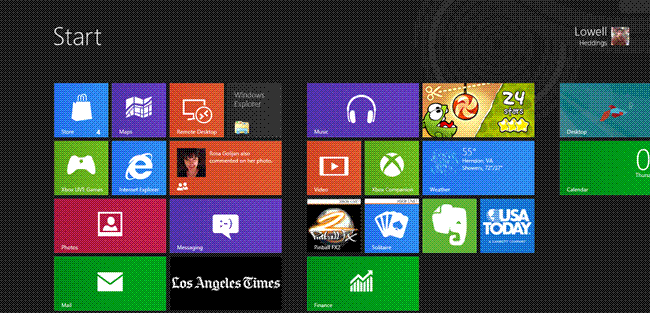
In today’s post on ” how to operate Windows 8 through keyboard easily “, saves am going to introduce Windows 8 keyboard shortcuts that can save your time and will give you a chance to roam through Windows 8 more conveniently.
Since Windows 8 has a lot of new features as compared to other versions of Windows released by Microsoft, in order to use and roam through it conveniently, Windows 8 keyboard shortcuts are arranged.
Read Also: Facebook Keyboard Shortcuts
Windows 8 Keyboard Shortcuts:
So here is the list of keyboard shortcuts to make your computer work more easily.
- Windows key – brings up the Metro start screen. You can start typing to search for an app, just like the Win7 start menu.
- Win + B – Back to desktop
- Win + C– brings up the Charms menu, where you can search, share, and change settings.
- Win + D – brings up the old Windows desktop.
- Win + F – brings up the Metro File search screen.
- Win + H – opens the Metro Share panel.
- Win + I – open the Settings panel, where you can change settings for the current app, change volume, wireless networks, shut down, or adjust the brightness.
- Win + J – Swap foreground between the snapped and filled apps.
- Win + K – opens the Devices panel (for connecting to a projector or some other device)
- Win + O – Lock device orientation.
- Win + Q – brings up the Metro App Search screen.
- Win + U – Open Ease of Access Center
- Win + V – Cycle through toasts.
- Win + W – brings up the Metro Settings search screen.
- Win + Z – open the App Bar for the current Metro application.
- Win + , (comma) – Aero Peek at the desktop.
- Win + . (period) – Snaps the current Metro application to one side of the screen. (Right side)
- Win + Shift + . (period) – Snaps the current Metro application to the other side of the screen. (Left side)
- Win + Page Up / Down – move the current app to the other monitor.
- Win + Tab – opens the Metro application switcher menu, switches between applications.
Hopefully, the collection will surely help you.
source:htgeek